Reading papers with highlight-to-ask
Open the real PDF, select any sentence, and ask about that exact passage — plus private notes, author context, references, and similar work in one panel.
Published
July 11, 2026
Reading time
2 minutes
Perspective
Engineering
Topics
discover · reading · ai
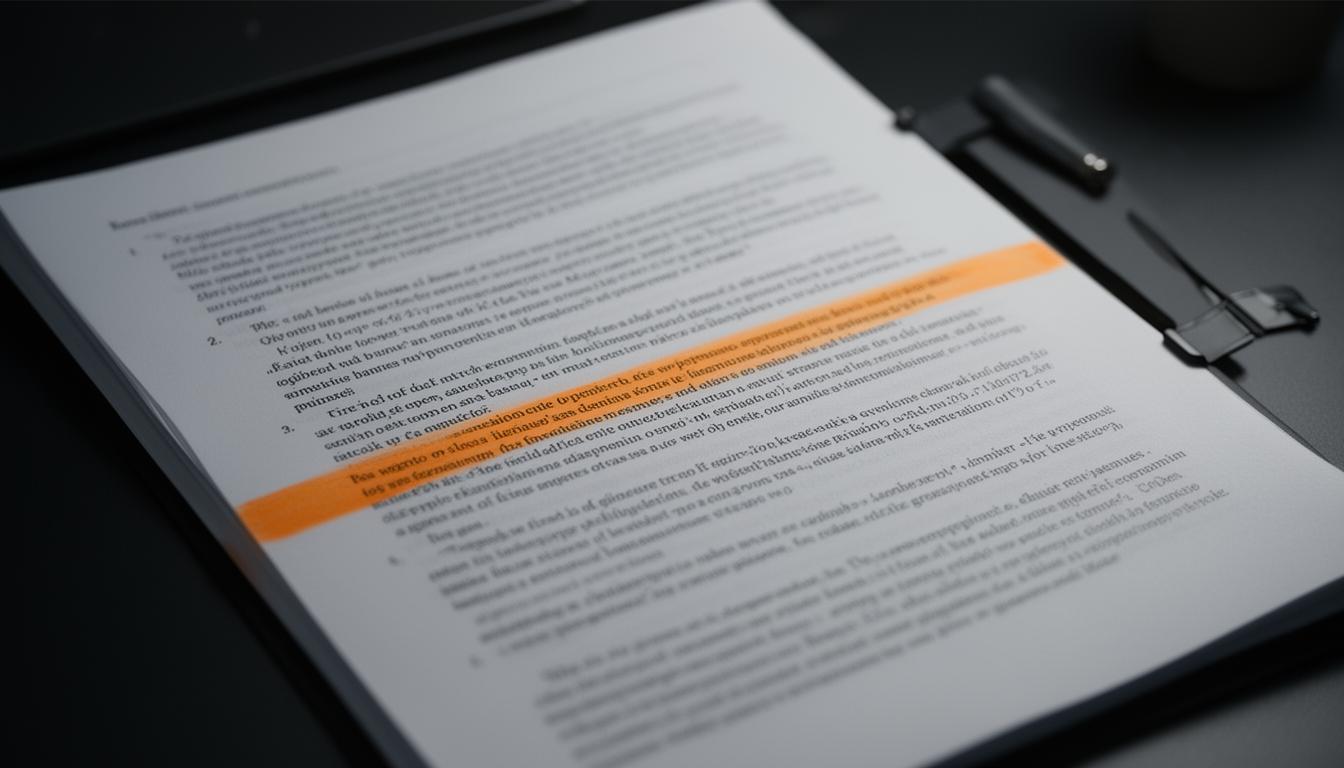
Most "AI paper readers" hand you a summary and hide the paper. We took the opposite approach: show the real PDF, and make every sentence in it askable.
Highlight, then ask
Select any passage in the paper and a small toolbar appears:
- Ask AI — explains that exact passage in plain language and how it relates to the rest of the paper.
- Highlight — saves the passage as a private note you can return to.
Because the question carries the surrounding context, answers stay specific instead of drifting into generic description.
Everything else in one panel
| Tab | What it gives you |
|---|---|
| Assistant | Grounded Q&A about this paper |
| Notes | Your private highlights and notes |
| Authors | Affiliation, citation count, h-index |
| Similar | Related work via vector search |
| References | The paper's cited works, with previews |
On being honest about gaps
Reference data for very recent preprints is often missing from public citation graphs. When that happens the panel says so plainly rather than inventing entries — an empty state you can trust beats a list you can't.
Why the real PDF matters
Most AI reading tools show you a summary and hide the paper. That inverts the relationship: you end up trusting a paraphrase you cannot check, of a document you never opened.
Rendering the actual PDF keeps the source in front of you. The model becomes an annotation layer over the paper rather than a replacement for it, which is the only arrangement where you can catch it being wrong.
What highlight-to-ask changes
The unit of interaction becomes a passage rather than a document. "What does this sentence mean?" is a narrower and far more answerable question than "summarise this paper", and the answer can be checked against the text three centimetres away.
It also changes what you ask. Given a whole-document interface people ask for summaries. Given a selection they ask about method details, notation, and specific claims — which is what actually blocks understanding.
Notes that stay checkable
A highlight saves the quote and the page alongside your note. Three months later that is the difference between a claim you can verify and a paraphrase you no longer trust.
Summaries decay into your interpretation of your interpretation. Quotes do not.
The limits worth stating
Text extraction from PDFs is imperfect — multi-column layouts, equations and tables all degrade. Figures are not read at all, which matters because a great deal of what a paper actually demonstrates lives in its figures.
And the assistant answers from the passage you selected. It does not know the paper's wider context unless you give it, which is a real constraint on questions like "is this claim novel?"
Continue reading